
Leather-jacket dance remake
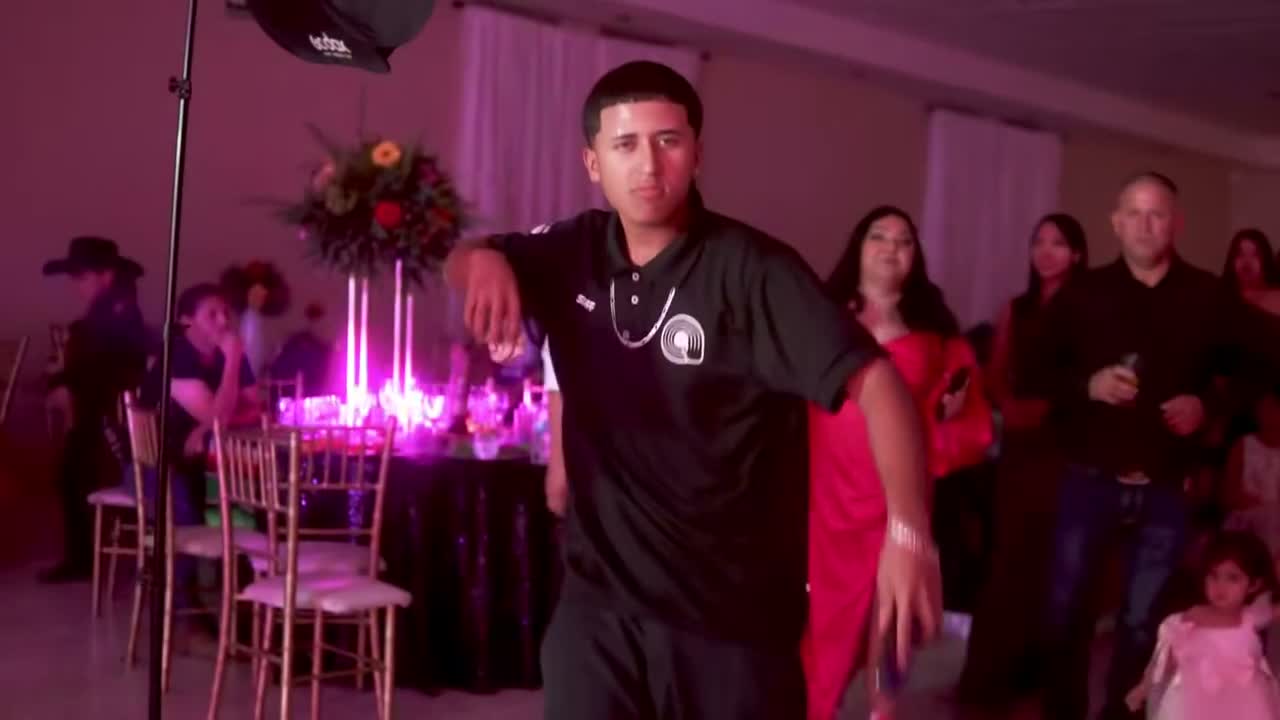
01Original video
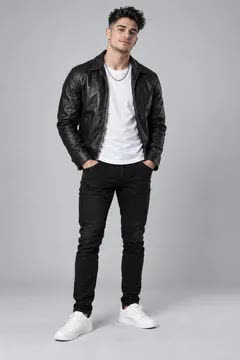
02Photo used
03New AI video
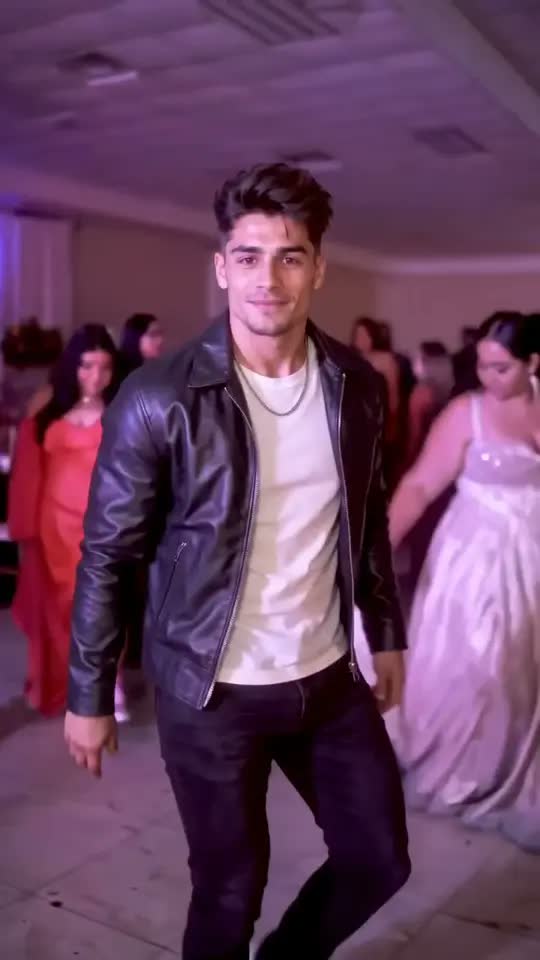
The original excerpt is silent. AI can change framing, timing and background details.
AI VIDEO CHARACTER REPLACEMENT
Viggle Remake turns your clip and photos into a new cast. Keep the original sound; use the video as the guide for the motion and camera.
Your video and photos stay on your device until you generate.
SEE THE REMAKE
See the same dance with two different replacement photos. Each example shows the original clip, the photo used and its AI-generated result.
01Original video
02Photo used
03New AI video
The original excerpt is silent. AI can change framing, timing and background details.
01Original video
02Photo used
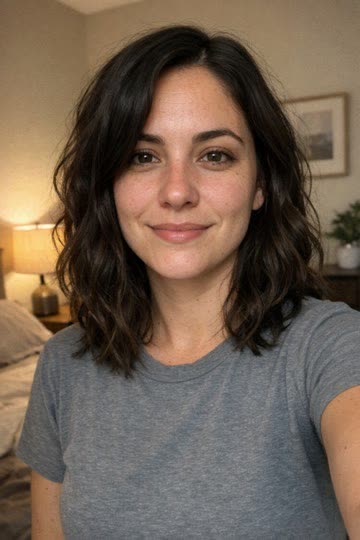
03New AI video
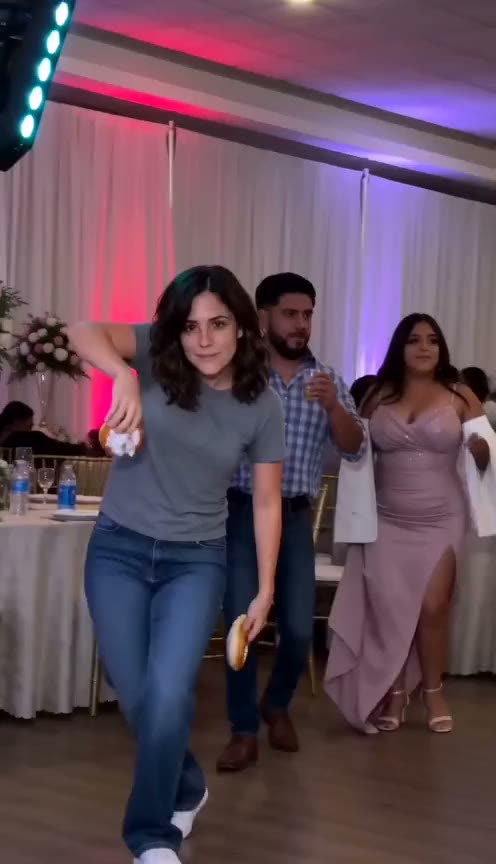
The original excerpt is silent. AI can change framing, timing and background details.
Owned examples from our AI Trend Video workflow.
FROM YOUR CAMERA ROLL
Select an MP4, MOV or WebM and choose 4–15 seconds. Trimming and previewing happen in your browser, without uploading your files.
Replace the main person, or two people positioned left and right. Choose a clear photo for each person. Your photos also stay in the browser.
Click Generate to sign in and check credits. Only after those checks do we upload the files and submit the task. The original sound is merged into your finished MP4.
SAME TAKE. DIFFERENT PERSON.
A dance you filmed. A performance to recast. A scene you want to make your own.
Use a dance clip as the movement guide and bring a different person into the performance.
Add two photos to give each person in a clearly framed duo their own replacement.
Your uploaded clip becomes a template in your account, ready to reuse with different photos.
ABOUT VIGGLE REMAKE
Upload a short clip and replace its main people using photos. The original video guides the action, camera and setting. Its audio is merged after generation.
This workflow focuses on short clips with one main person or two people arranged left and right. Object editing, weather changes and long-film processing are outside its scope.
Exact identity, motion and scene matching are not guaranteed. Review the finished video before sharing.
BEFORE YOUR FIRST REMAKE
Saved clips, photos and results are scheduled for deletion after 30 days. Download anything you want to keep. Running tasks finish before cleanup.
Use a video and one or two photos to replace the main people in a 4–15 second clip. The video guides the motion and camera; the original audio is merged into the result.
Yes. Select an MP4, MOV or WebM file from your device. Choose 4–15 seconds from a longer video. Social video links are not supported.
Yes. Choose two people and add one photo for the left person and another for the right. With one person, the main, most prominent performer is targeted.
No. Selection, trimming and photo preparation stay in the browser. Generate checks sign-in and credits before uploading. Local drafts last 24 hours across login and checkout in this browser.
Preparing files is free. Generating in 480p uses 1 credit and in 720p uses 2. Every pack supports your own videos, with no subscription required. There are no free signup credits.
No. The clip guides the action, but AI can change faces, fine details and the scene. The original audio is merged after generation; silent clips stay silent.
Failed generations return credits automatically. For a clearly broken finished file, contact support within 7 days. Normal AI variation is not eligible for a free redo.
YOUR NEXT TAKE STARTS HERE
Bring your clip. Choose who’s in it.
Upload your video